‘The internet’ comes with a whole dictionary’s worth of new words.
Sometimes we know the words. Sometimes we think we know the words. Sometimes we have no idea.
So, let’s get you up to speed on some internety, broadbandy terminology.
What does it all mean?
1. What does ‘internet’ actually mean?
The internet is an enormous network of computers around the world. That’s why there’s “net” at the end of the word internet. The world wide web as we know it was invented by Tim Berners-Lee back in 1989 (pub quiz fact – he also invented HTML, HTTP and URLs, but we’re not going down that rabbit hole today).
2. What does broadband mean?
Broadband is now the overarching term for how you access the world wide web at high speed: without tiring or interruption, and even better on networks like Zzoomm’s full fibre to the property (FTTP) connection. Gone are the days where you had to pick between making a phone call or browsing the internet.
3. What does Wi-Fi mean?
Wi-Fi is another way we can access the internet. This time, it’s wireless. Internet data is transmitted via radio waves. There’s a broadband cable going into the router in your home. The router then sends out radio waves which connect to your devices. Another fun fact – Wi-Fi isn’t actually short for anything. The name was coined by a branding firm as an easy-to-remember term for wireless tech, deliberately sounding a bit like the audio term hi-fi.
4. What’s the difference between FTTP and FTTC?
Other providers often use a Fibre To The Cabinet (FTTC) network, where the network is made up of fibre-optic cables that lead into a local cabinet, the kind you see on the side of the road (often painted green). Then older, slower copper cables take over the last section from the cabinet to the home. FTTC is being phased out, with some copper connections being disconnected.
Zzoomm’s network is 100% Full Fibre To The Property (FTTP), with the most modern and speedy fibre-optic connection straight to your home. We don’t use any copper cables on any part of our network, so there’s no slowdown during busy times. With full fibre, information is quite literally travelling at the speed of light.
5. What’s the ONT box?
ONT stands for Optical Network Terminal. The ONT is normally on an outer wall, inside your house, close to a plug socket. It translates the external connection for the router. It basically brings the fibre to the property and then enables the router to connect to it.
6. What’s a router?
A router is a physical box in your home which plugs into the ONT box and acts as a traffic director for digital data. It connects your home to the wider internet and routes data between your devices (like phones, laptops, and smart TVs).
7. What’s a device?
In this case, it means anything which connects to the internet. TVs, laptops, tablets, phones, gaming consoles and smart speakers.
8. What’s a wired internet connection?
A wired internet connection means the device that’s using the internet is directly plugged into the router with an ethernet cable. Your device will then use this connection to get online.
9. What does internet coverage mean?
Internet coverage refers to where the internet signal reaches. You have ‘good coverage’ if your devices connect consistently across your home.
10. What does internet speed mean?
Internet speed is the rate at which you can download and upload data through your broadband connection, measured in Mbps.
11. What are Mbps, and what do they mean?
Mbps means ‘megabits per second’. It’s how much internet data is being transferred every second. The higher the number, the faster the internet speed. Just like ‘miles per hour’ in a car.
What’s a mesh kit/system?
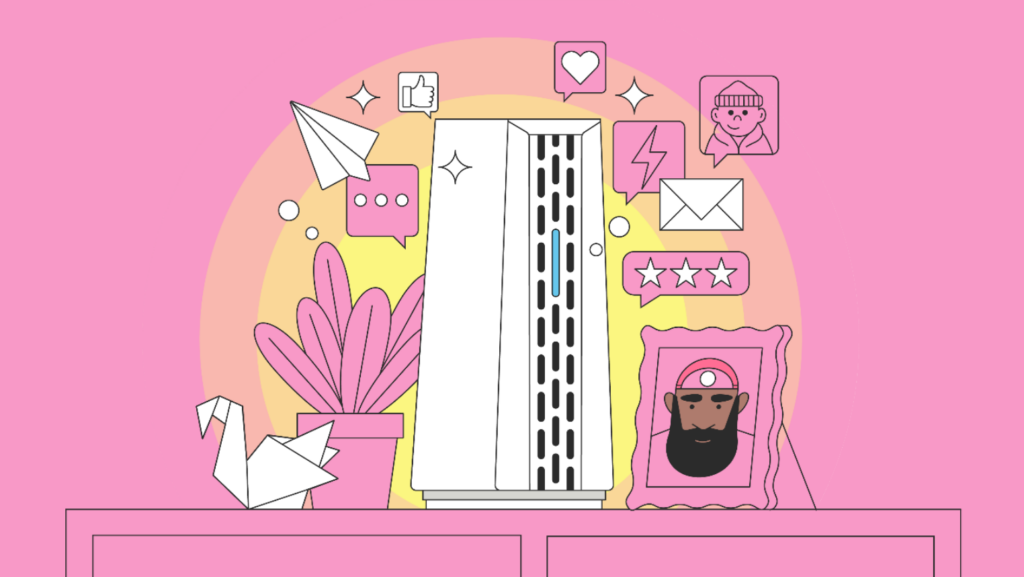
A mesh kit/system gives extra individual access points for your Wi-Fi connection. They connect with your router either wirelessly or through an ethernet cable and join up a bit like a daisy chain. They boost your signal and send it further, depending on where they are in your home. The mesh kit can help your wireless connection get stronger and reach areas that previously had poor (or no) connection.
So, there you have it. A list of the techie terms you might spot when you’re looking into which broadband provider is best for you.
If you’ve still got any questions about how Zzoomm broadband could zip around your home, give our helpful humans a call on 0333 311 9933
Up next… Learn how to fix your WiFi issues