Are you scratching your head over your Wi-Fi speed not being as fast as the adverts say? Is hitting ‘refresh’ on Wi-Fi speed tests fast becoming your new hobby? Do you pop up over the garden fence to ask your neighbours their Mbps?
You’re going to love this. We’ve got all the answers you need right here.
First up (and most importantly) your Wi-Fi isn’t broken.
Want even more good news? There are plenty of things you can do right this second to boost your internet strength.
Our brain-fizzingly clever Zzoomm techies have told us all their secrets.
Let’s get you back to zapping zombies and bingeing boxsets already!
Wi-Fi and broadband speed myth busting
There are lots of misconceptions around the internet and how it works. Mostly because words and phrases get used interchangeably. Fear not! The Zzoomm Techies have got you.
- It’s totally normal not to get full internet speeds in all the rooms of your house
Wi-Fi signal gets weakened by walls, so rooms that are further away from the router will naturally have lower signal strength.
- Your broadband speed and your Wi-Fi speed are not always the same thing
When your devices are plugged directly into the router with an ethernet cable they get a faster, consistent service. The broadband speeds you see advertised, provided the fibre connection to the property is healthy, are what we expect the router to receive. How Wi-Fi can then travel around the property will vary.
- If you don’t want to (or can’t) plug your devices into the router, there are some other gadgets to help
Wi-Fi extenders and mesh kits can help boost Wi-Fi around your home.
- A slow speed test result doesn’t automatically mean there’s a fault in your broadband service
Things like the location of your router, if your devices are plugged in, and even the ages of your devices can all affect the speed of your internet connection. The best way to check if there’s a disruption to service in your area is to check the Network Status.
But, why are wired connections faster than Wi-Fi?
The quick answer is because the Wi-Fi radio waves can get interrupted, lost, or blocked.
Imagine your broadband speed is like water flowing through a hose pipe.
- A wired connection is like a hose pipe watering a sunflower. All the water is going exactly where you want it to go, right at the roots. In the case of the internet, the cable brings a consistent flow of internet data directly to your device.
- Wi-Fi is more like the hose pipe with the sprinkler attachment. Water is spraying through the air and it’s getting all the flowers in the flower bed. All the flowers are getting a little bit of water, rather than one direct flow. In the case of the internet, Wi-Fi has lots of places to go. So, it meets more obstacles and the signal can become weaker.
It’s normal for Wi-Fi speeds to be 30-40% lower than a wired connection.
For example:
| Broadband Package | Typical Wired Speed | Possible Wi-Fi Speed |
| 150 Mbps | 150 Mbps | 90-150 Mbps |
| 500 Mbps | 500 Mbps | 250-500 Mbps |
| 900 Mbps | 900 Mbps | 500-900 Mbps |
Actual results will vary depending on your home environment and devices.
Wi-Fi coverage vs speed – how are they different?
Sometimes, we can think our internet speed is “slow” when actually, there’s a coverage problem.
- Speed refers to how many Mbps are getting to your devices.
- Coverage refers to how far your Wi-Fi router is from your devices. The closer the device to the router, the stronger the connection.
Buying faster internet with higher Mbps speeds won’t automatically improve your internet connection if the real issue is that your Wi-Fi can’t reach your devices. For example, a slower but stable 200Mbps connection throughout your home on a mesh system will often provide better internet connection than a 500 Mbps connection with one router in the living room.
If you’re streaming high-quality YouTube clips, video calling your mates, or streaming a movie-marathon, you need stable coverage just as much as consistent speed.
“Your broadband speed and your Wi-Fi speed are not always the same thing.”
Clever Zzoomm Engineer
Tip 1: Get the best connection in your home with wired connection
Broadband speeds are measured on wired connections because they’re the most accurate. Wired connections consistently provide the best internet access.
A wired connection means you:
1. Avoid wireless interference from other devices, like TVs, baby monitors, or smart home hubs (like Alexa)
2. Avoid weak, patchy connections – because the Wi-Fi signal doesn’t need to pass through walls or floors
3. Get a strong, consistent performance because the cable is doing all the work
4. Access the maximum available broadband speed on your internet package
To set this up, simply plug your device directly to your router using an ethernet cable. When shopping for one, make sure you get a cat 5e ethernet cable as a minimum.
Don’t worry, you don’t have to connect every device which uses internet. Choose the “hungriest” devices, the ones which use the most internet bandwidth. These are likely to be your smart TV, your laptop, and your games console.
Tip 2: Buy a gadget to boost your Wi-Fi connection
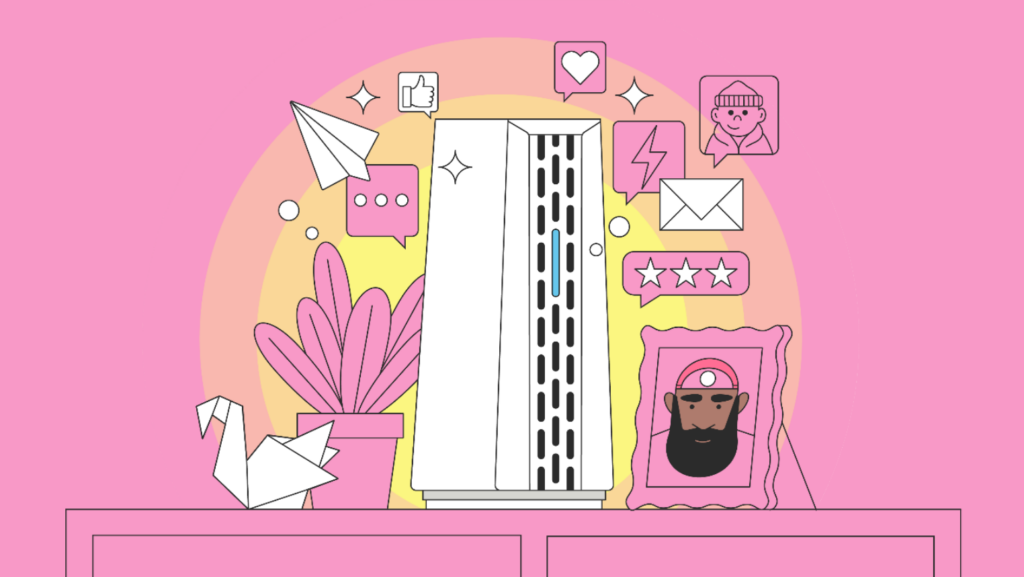
Wi-Fi uses radio waves to transmit data signals between your router and devices. These radio waves can be interrupted, and they can struggle to ‘get around’ your home. When this happens, your connection suffers.
By removing interruptions and boosting coverage, your Wi-Fi connectivity will improve. There are two different gadgets which can do this:
- Gadget 1 – mesh systems
Instead of one router in one room trying to get Wi-Fi everywhere, a mesh kit blankets your home in a web of Wi-Fi signal using multiple access points that all team up to work as one network. A bit like a daisy chain, bringing Wi-Fi signal to every room.
- Gadget 2 – Wi-Fi extenders
These are different to mesh systems and also improve the coverage of Wi-Fi in your home. Range extenders pick up your router’s Wi-Fi signal, amplify it, and rebroadcast the boosted signal. Like your WiFi got given a microphone.
Both gadgets solve the problems of inconsistent, ‘slow’, or patchy Wi-Fi. They are especially good options if you live in a larger home, where the Wi-Fi has to travel further, or if you live in an old home which has thick stone walls and floors.
Tip 3: Move your router into a different room and reboot it
Give your Wi-Fi connection a boost right now, without gadgets or cables!
- Disconnect your router and set it up in a central position in your home. The Wi-Fi radio waves will be able to move more easily around your rooms.
- Keep your router away from corners, walls, or enclosed spaces like shelves or cupboards.
- Move it away from baby monitors, smart home devices (like Alexa), TVs, and large electrical appliances to reduce interference.
- Reboot your router by turning it off and on again every few months.
Tip 4: Something still not right? Check your devices
Tried everything? Is your device still not connecting properly to the internet? The problem might be with the device itself.
What you’re using, its age, and its condition all affect Wi-Fi performance. Older laptops, Smart TVs, streaming boxes, tablets, and gaming consoles may have an outdated hardware which isn’t compatible with the latest Wi-Fi technology. This caps the device’s speed, no matter how fast your broadband connection is.
It might be time to replace your device with a newer model. But before you go shopping, double check your devices are working properly and have the latest software updates.
The Zzoomm Customer Care Team are always ready to help
Call us confident, but we reckon all the tips we’ve shared here will solve your internet connection problems pretty promptly. You’ll be simultaneously scrolling and singing along to your favourite playlists in no time!
But as always, if your internet service isn’t working the way you’d expect, please call us. Our Zzoomm experts are at the end of the phone Monday to Friday: 8:30am – 7pm. 0333 311 9933